
Keyboard shortcuts
One gesture.
A thousand clicks saved.
WhispaWave runs entirely from your keyboard. Hold Fn and speak. The rest is a handful of combos you remap however you like.
MacBook with WhispaWave: inside a note the dictated German sentence „Der Prototyp steht, Feedback bitte bis Donnerstag." types itself in. Along the bottom edge sits the WhispaWave pill with the hint „hold fn. Speak.", a DE language badge and a recording waveform.
Dictate
Instead of typing word for word: hold Fn, speak, done.
Let go and your text lands exactly where the cursor is. In almost any app.
Hands-free
Instead of holding the key down: tap Fn + Space once.
Recording stays on. Tap again to stop. Made for long dictation.
Open menu
Instead of clicking through menus: ⌘⌃Space opens history, scratchpad, settings.
The whole WhispaWave window from the menu bar, right in front of you.
- History
- Scratchpad
- Dictionary
- Settings
Command Mode
Instead of select → delete → retype: double-tap Fn and say what should change.
With nothing selected WhispaWave writes new text at the cursor, with a selection that passage gets replaced.
We hereby kindly request that you forward the documents to us in a timely manner.
Please send us the documents by Friday.
Repeat text
Wrong field? ⌘G, your last result is right back.
Re-inserts your last result into the right field. Freely remappable.
Cancel
Misspoke? Esc. Like nothing happened.
Instantly cancels the current recording or action. No result, no leftovers.
So the meeting on Tuesday could maybe…
Polish
Instead of rewriting every sentence: select, ⌥1, cleanly polished.
Clearer and in your voice. German linguistics: fillers out, grammar, sentence flow. See changes with ⌥O.
well so the report is done now
The report is done.
Prompt Engineer
Instead of crafting the perfect prompt: say what you want, ⌥2, done.
Turns your spoken request into a structured AI prompt: role, task, context, output, constraints.
i need website copy, professional
Role: Senior website copywriter. Task: Professional homepage copy … Context … Output … Constraints …
Make it yours.
Every shortcut is remappable, every rule adjustable. WhispaWave bends to how you work, not the other way around.
A MacBook shows the WhispaWave app overview: word and speed stats plus the "Your shortcuts" panel with the shortcuts fn, fn Space, ^ ⌘ Space, ⌥ 1, ⌥ 2 and Esc. Every shortcut freely remappable.
Remap any key
Fn awkward? Put any shortcut on your own key in two clicks.
Choose the cleanup level
You decide how much WhispaWave smooths: off, light, medium or strong.
Adapts to the app
Tone and rules per context: private, work, email. WhispaWave picks automatically.
Your dictionary
Your own terms, names, abbreviations: entered once, always written right.
Polish & Prompt Engineer
⌥1 polishes selected text, ⌥2 turns it into a structured AI prompt.
Share across the team
Maintain dictionary and snippets together, everyone writes consistently.
Your keyboard, your pace.
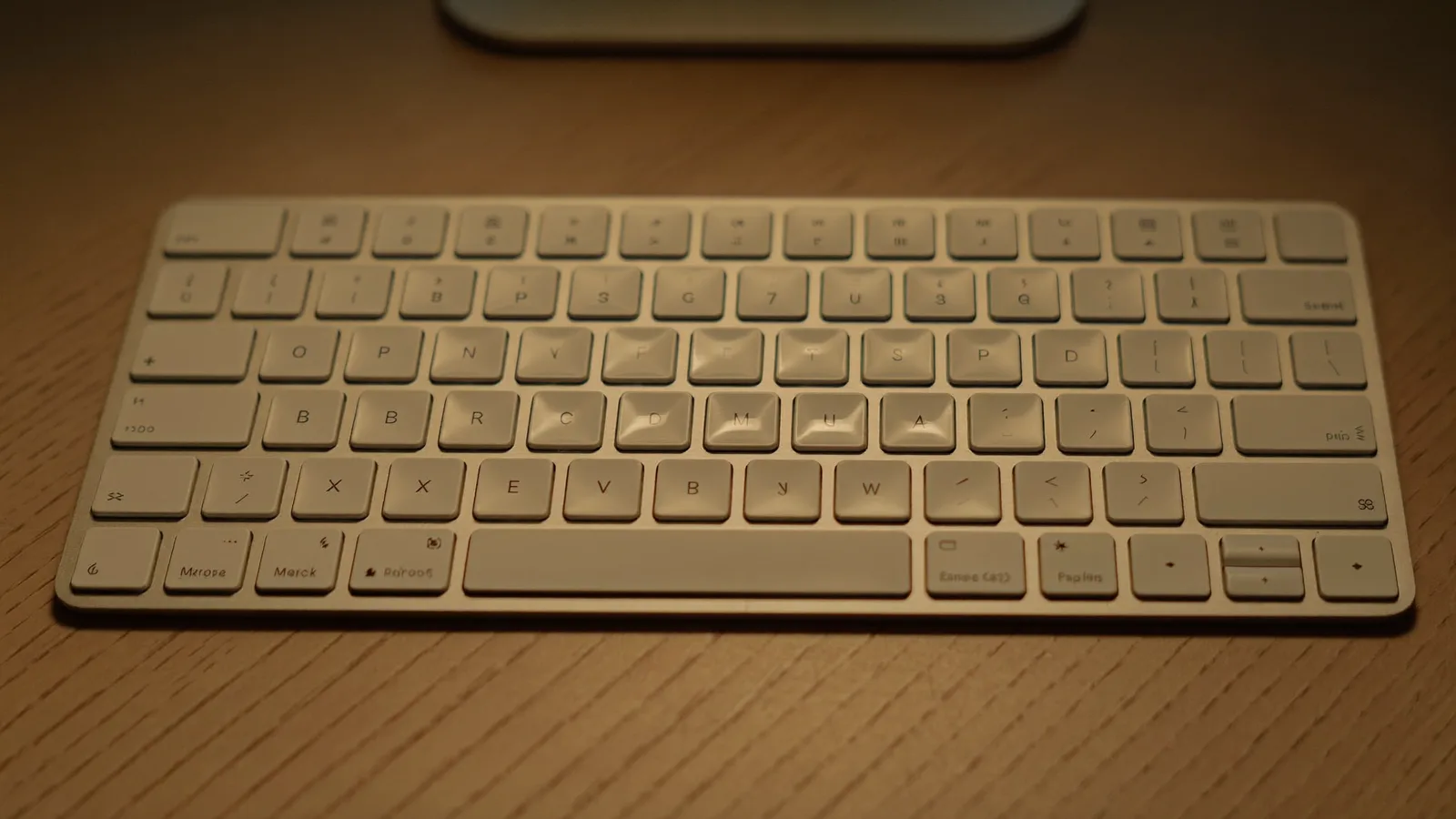
Hover a shortcut: the matching keys light up. Every shortcut is fully customizable.
These are the defaults. Every shortcut in WhispaWave is remappable (Settings → Keyboard shortcuts). Conversation mode runs without a hotkey by design.