
All features
Background collage: dimmed windows show WhispaWave’s features at work (an email to Frau Schöllgen in Outlook, a personal dictionary, a snippet that turns the spoken trigger phrase “my signature” into the full signature block, style presets, language chips, a translate setting from German to English, an on-site measurement with 3 × 4 m and €327.50, Slack in Spanish, Gmail in French, WhatsApp in German, a meeting with three detected speakers, an attribution overview with statements per speaker and outcome minutes). In the middle sits a text field with the WhispaWave speech pill below: the pill wakes up, the headline “Speak and stay in the flow. We handle the rest.” types itself into the field once and stays; below it, three explainer paragraphs rotate in the pill’s rhythm. With the first paragraph, the “Try Pro for 14 days” button appears and stays; along the bottom edge of the collage sit four equally sized buttons to the feature pages Dictate, The Polish, Translate and Conversation mode.
One shortcut. Everywhere.
- Notion
- Word
- Nachrichten
- ChatGPT

Dictate where typing is a pain.
Eine E-Mail wird in Outlook diktiert: „Liebe Frau Schöllgen, der Termin am Donnerstag passt bei mir. Die Unterlagen für die Mustermann GmbH sind fertig, ich schicke sie Ihnen vorab rüber. Ich sitze gerade im Zug und bin gegen elf im Büro, danach gehe ich alles noch einmal in Ruhe durch. Sagen Sie gern Bescheid, wenn vorher noch etwas fehlt. Vielen Dank und viele Grüße, Tobias Krause“. Die E-Mail entsteht mit Anrede, Absätzen und Grußformel. Der Name Schöllgen wird zuerst geschrieben, wie er klingt, dann wendet WhispaWave den Wörterbuch-Eintrag an und markiert ihn: Aus deinem Wörterbuch. Danach wechselt die Demo zu WhatsApp: Auf Anna Webers Frage „Bist du rechtzeitig zurück?“ diktiert Tobias die Antwort „Ja, sitze im Zug. Bin gegen elf im Büro, dann gehen wir alles in Ruhe durch.“ Diktieren funktioniert so in jeder App. Im Hintergrund: ein Mann diktiert im Zug am Laptop.


Detects the app. Hits the tone.
Spoken once · in one go
„ähm also hallo tobias kannst du das angebot für die mustermann gmbh bitte äh noch mal prüfen wär super danke dir“
Formell · Sie
Hallo Tobias, könnten Sie das Angebot für die Mustermann GmbH bitte noch einmal prüfen? Wäre super, danke Ihnen!

Locker · Du
Hallo Tobias, kannst du das Angebot für die Mustermann GmbH bitte nochmal prüfen? Wär super, danke dir

Sehr locker
hey tobias kannst du das angebot für die mustermann gmbh nochmal prüfen? wär super danke dir

Even whispered. In the library.

Select. Shortcut. Reshaped.

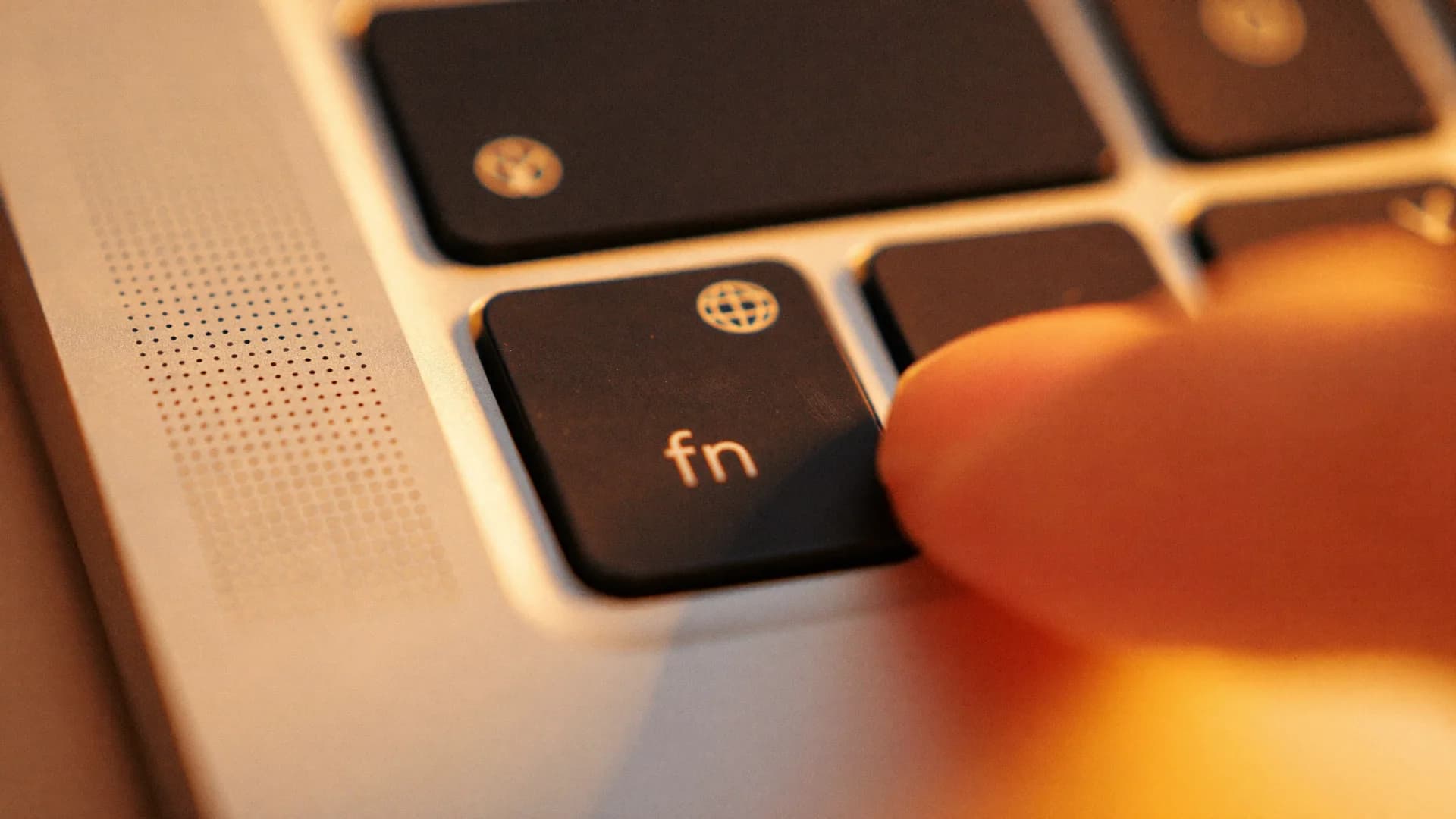
Double-tap Fn. Then say what should happen.
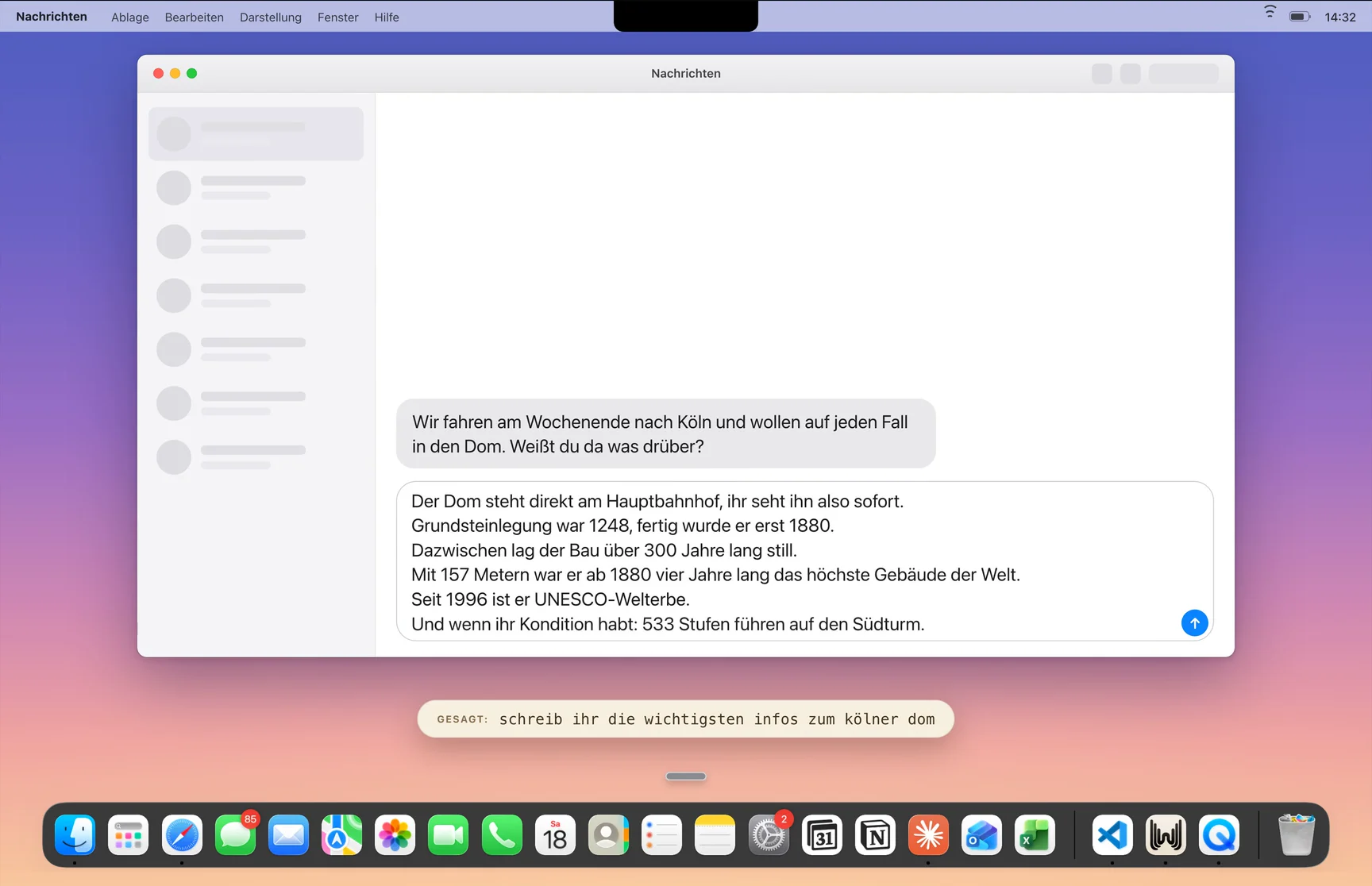

63 languages. Any to any.
The language pair changes automatically every few seconds. WhispaWave understands 100 languages and translates between the 63 fully polished ones.
Deutsch becomesEnglisch · translated in real time
Knows your words. And routines.
A library of snippet tiles: signature, calendar link, directions, support reply, elevator pitch, opening hours. Below the tiles the stored text blocks expand one after another, e.g. the signature of Anna Weber (Mustermann GmbH) or a calendar link.

You’re in the conversation. Not in the minutes.
Your meeting. Summarised, done.
Conversation mode records your conversation or imports a recording, separates the speakers automatically and delivers a structured summary. You pick the format. Optionally with the audio from Teams, Meet or Zoom.
Dive in.
Ready for finished text?
14 days of Pro free. Cancel anytime.
WhispaWave is a dictation app for Mac that turns spoken language directly into finished, polished text. The app auto-detects 100 languages, fully polishes 63 of them and inserts the text right where the cursor is. WhispaWave works without a plugin in every app, from Mail to Word to Slack.