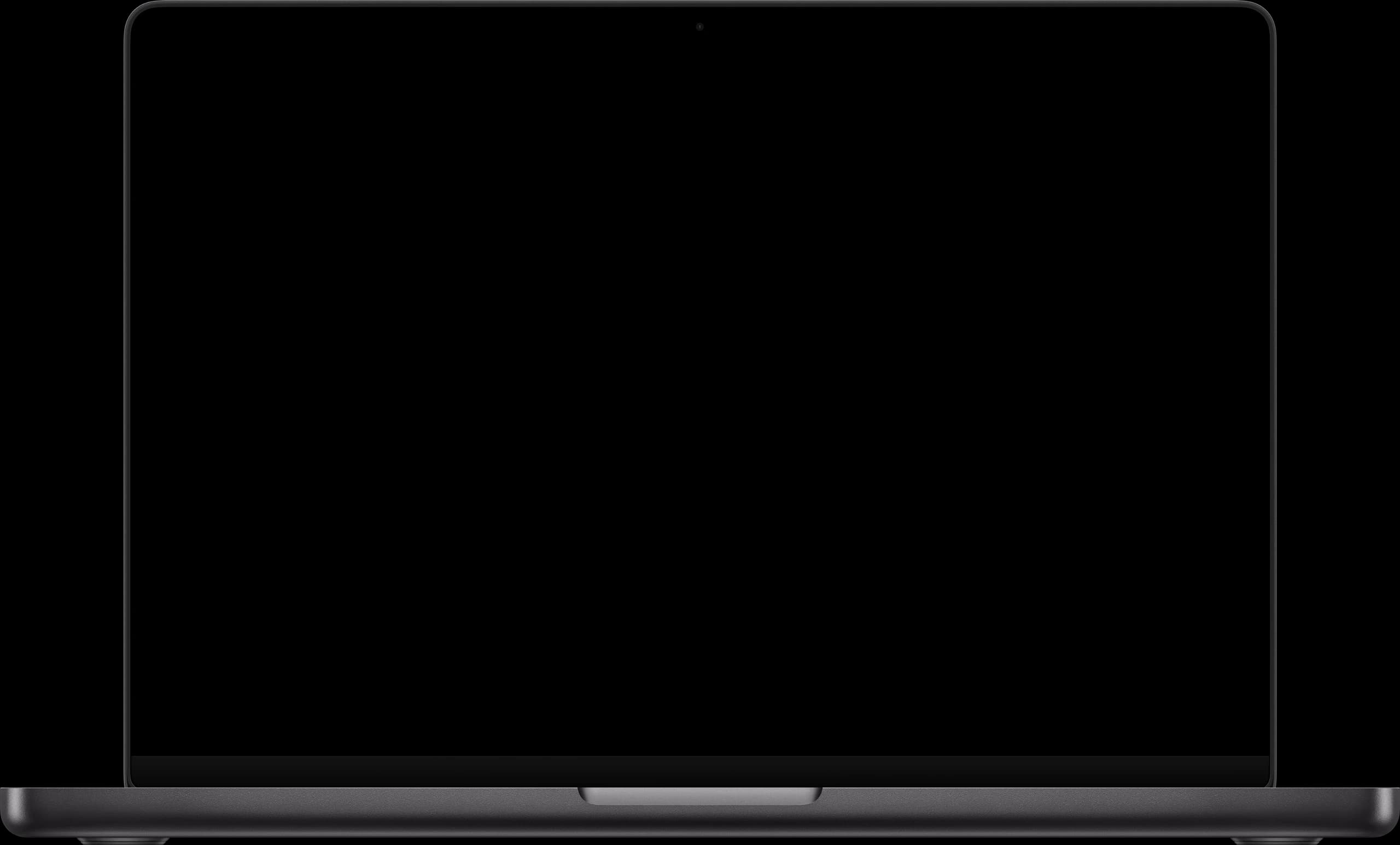
Dictate into any app
From email to ChatGPT: one key.
The video shows four dictations in a row, the pill stays put at the bottom: in Mail, a long rambling dictation becomes the complete formal email to Frau Schöllgen with salutation, paragraphs and signature by Anna Weber. In Slack, a 50-word status ramble lands as a clean status message in the input field; nothing is sent. In Notes, a spoken “first, second, third” becomes a real numbered onboarding list. In Word, a whole clean paragraph about the three project phases of Mustermann GmbH appears below the heading “Projektkonzept: Mustermann GmbH”. The finished text always appears in one piece at the cursor position, exactly like the real app.
Speak. Done.
In a busy café, on the train, at your desk or right in a meeting: you speak, the text is there. No window switching, no copy-paste.


What sets us apart
Installed once, always there.
No per-app setup, no switching: system-wide in every app, not just the browser.
Knows where you write. And strikes the right tone.
While you dictate, WhispaWave detects the active app category (private, work, email, other) and automatically hits the right tone.
100 languages, detected automatically.
No need to pick a language. Or curate your own set via the globe in the bar.
Your voice, at home in every app.
WhispaWave needs no integration. It sits as a layer over your device and types right where your cursor is. No plugins, no per-app approval: whatever you install tomorrow simply works too.












More features
Ready for a few extra hours every week?
14 days of Pro free. No credit card.
Your Mac already ships with dictation. When that is enough and where WhispaWave goes further: the honest comparison with Apple dictation