

WhispaWave for Linear
Writing issues breaks the code flow. Just describe the bug or task out loud. WhispaWave turns it into a clean issue, including steps and expected behavior.
How it sounds in Linear
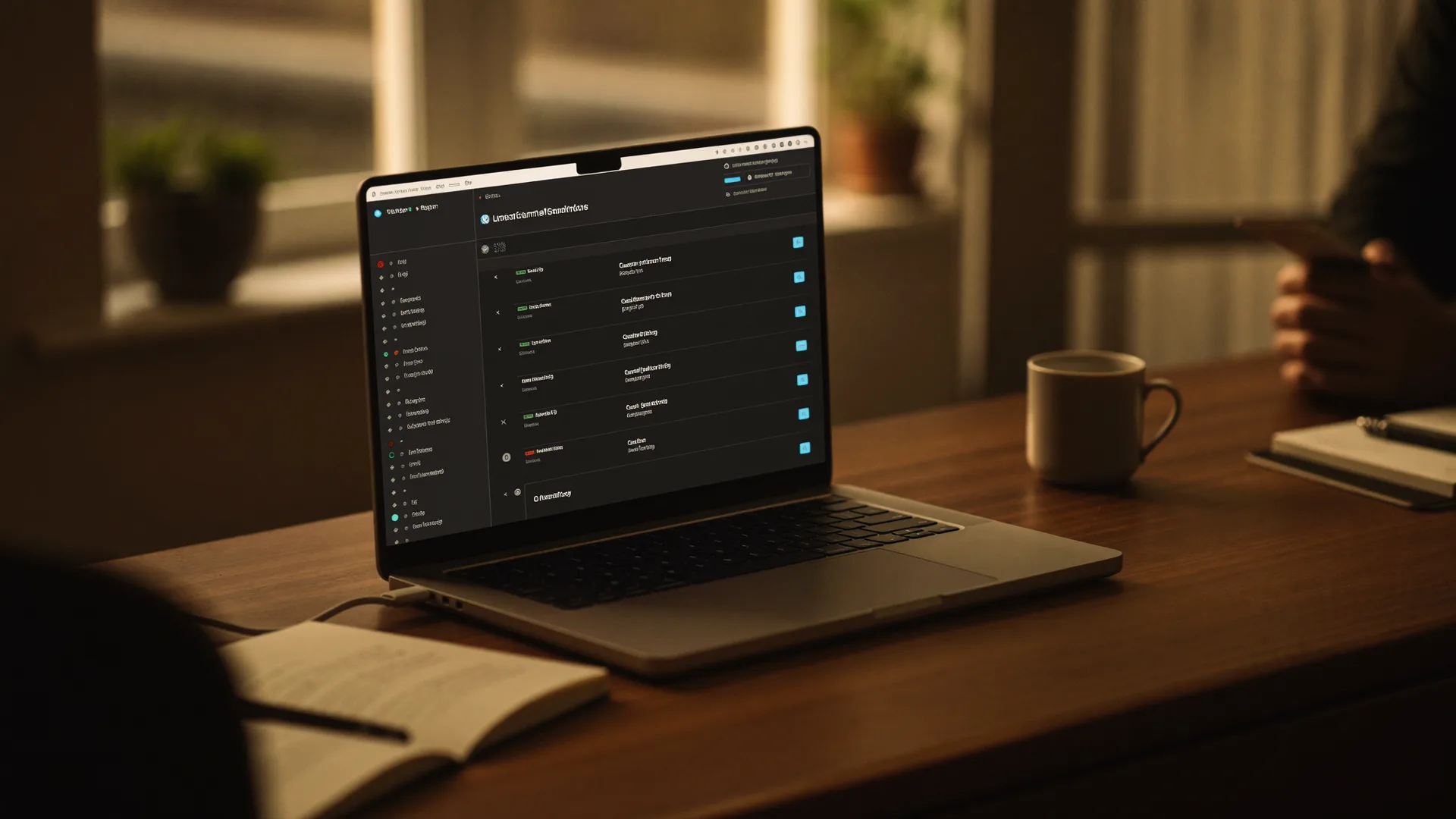
A MacBook shows Linear: a cleanly written sentence types itself into a text field while the WhispaWave bar with fn shortcut, DE language badge and live waveform floats below. Speaking becomes finished text.

- Spoken
„bug the login button does nothing on safari in chrome it works happens on the first click“
WhispaWaveBug: login button unresponsive (Safari)Expected: click opens loginActual: first click does nothing in SafariChrome: works - Spoken
„task we need rate limiting on the api endpoint priority high before launch“
WhispaWaveRate limiting for API endpointPriority: high · ship before launch. - Spoken
„pr description replaces the old fetch with react query and fixes the caching issue“
WhispaWaveReplaces the legacyfetchwith React Query and fixes the caching issue.
What you use WhispaWave for in Linear
01Capture issues fast
Describe a bug or feature by speaking: a clean issue with title and description.
02Comments & status updates
Leave detailed comments in seconds instead of keeping them short.
03Specs & acceptance criteria
Speak the requirements, WhispaWave shapes them into a readable list.
04Tickets from the meeting
Right after the call you dictate the open points as issues.
What makes Linear better
- Issues structured with steps and expected behavior
- Hands stay on the keyboard, no mouse switch
- Technical terms and code words recognized
How it works
- 1
Cursor in the field
Click into the input field in Linear.
- 2
Hold Fn
Hold it and just start speaking.
- 3
Polished text
It appears cleanly written right in Linear.


Ready for Linear without typing?
14-day free trial. No credit card, no subscription.