

WhispaWave for Cursor
Typing long prompts to the AI assistant slows you down. Speak what the agent should do, precise and detailed, and stay in your thinking flow instead of typing.
How it sounds in Cursor
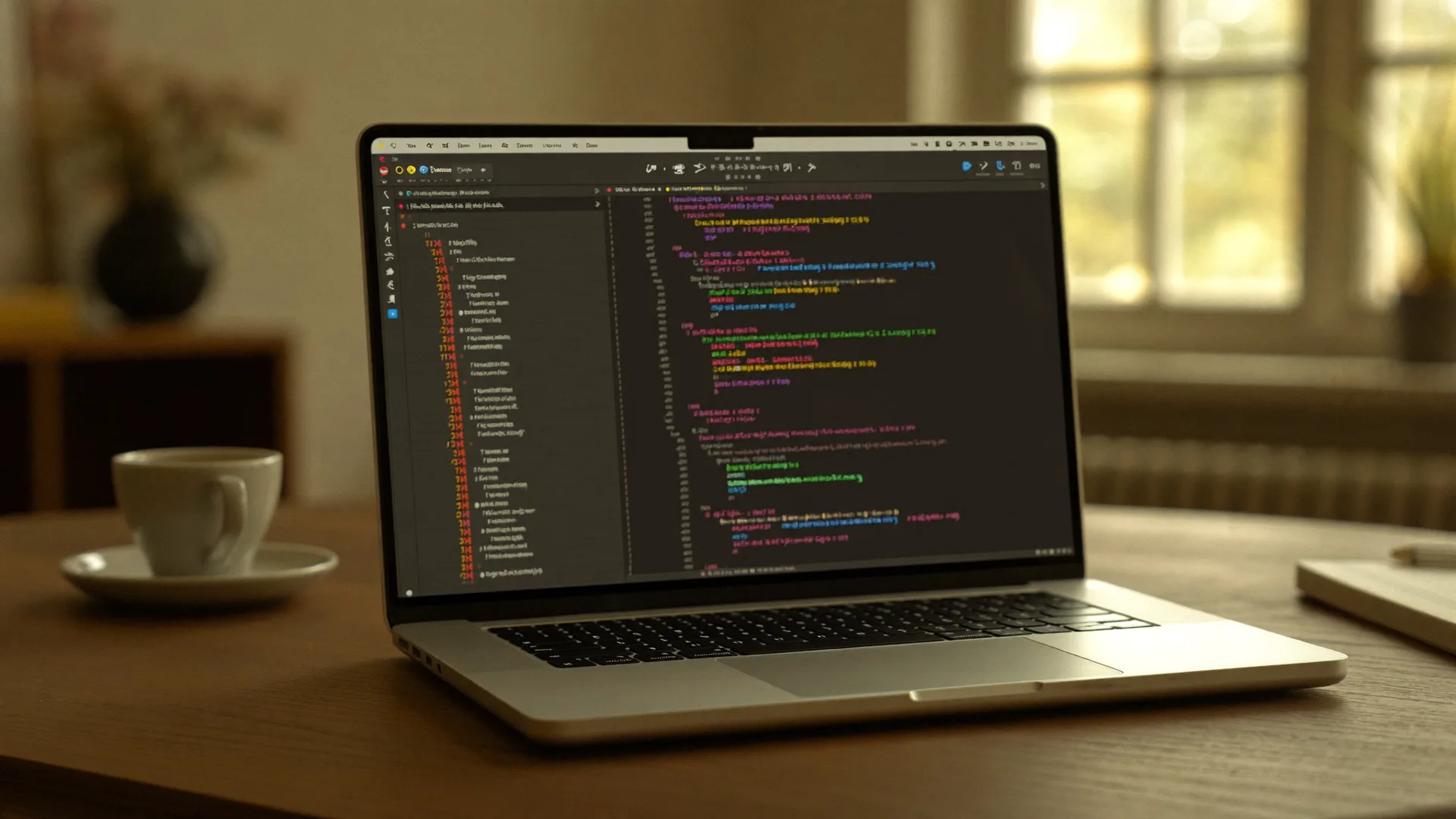
A MacBook shows Cursor: a cleanly written sentence types itself into a text field while the WhispaWave bar with fn shortcut, DE language badge and live waveform floats below. Speaking becomes finished text.

- Spoken
„prompt refactor this function to async await and add error handling for the network case“
WhispaWaveRefactor this function to async/await and add error handling for the network case. - Spoken
„comment this function assumes the date is already validated“
WhispaWave// Assumption: the date is already validated at this point. - Spoken
„prompt write unit tests for the parser including edge cases empty string and null“
WhispaWaveWrite unit tests for the parser, including the edge cases empty string andnull.
What you use WhispaWave for in Cursor
01Code comments & docstrings
Explain what the code does: spoken, with camelCase and terms correct.
02Commit messages
Dictate meaningful commit text instead of shrinking it to one line.
03AI prompts to the editor
Speak detailed instructions to the AI without trimming them out of typing fatigue.
04TODOs & notes in code
Capture thoughts as a comment while staying in the flow.
What makes Cursor better
- Long agent prompts without a typing pause
- Code terms like async/await recognized
- Stay in flow, hands on the code
How it works
- 1
Cursor in the field
Click into the input field in Cursor.
- 2
Hold Fn
Hold it and just start speaking.
- 3
Polished text
It appears cleanly written right in Cursor.


Ready for Cursor without typing?
14-day free trial. No credit card, no subscription.