
WhispaWave for Figma
Typing review feedback is slow. Speak your comments straight onto the frame: precisely phrased instead of half-sentences in the heat of the moment.
How it sounds in Figma
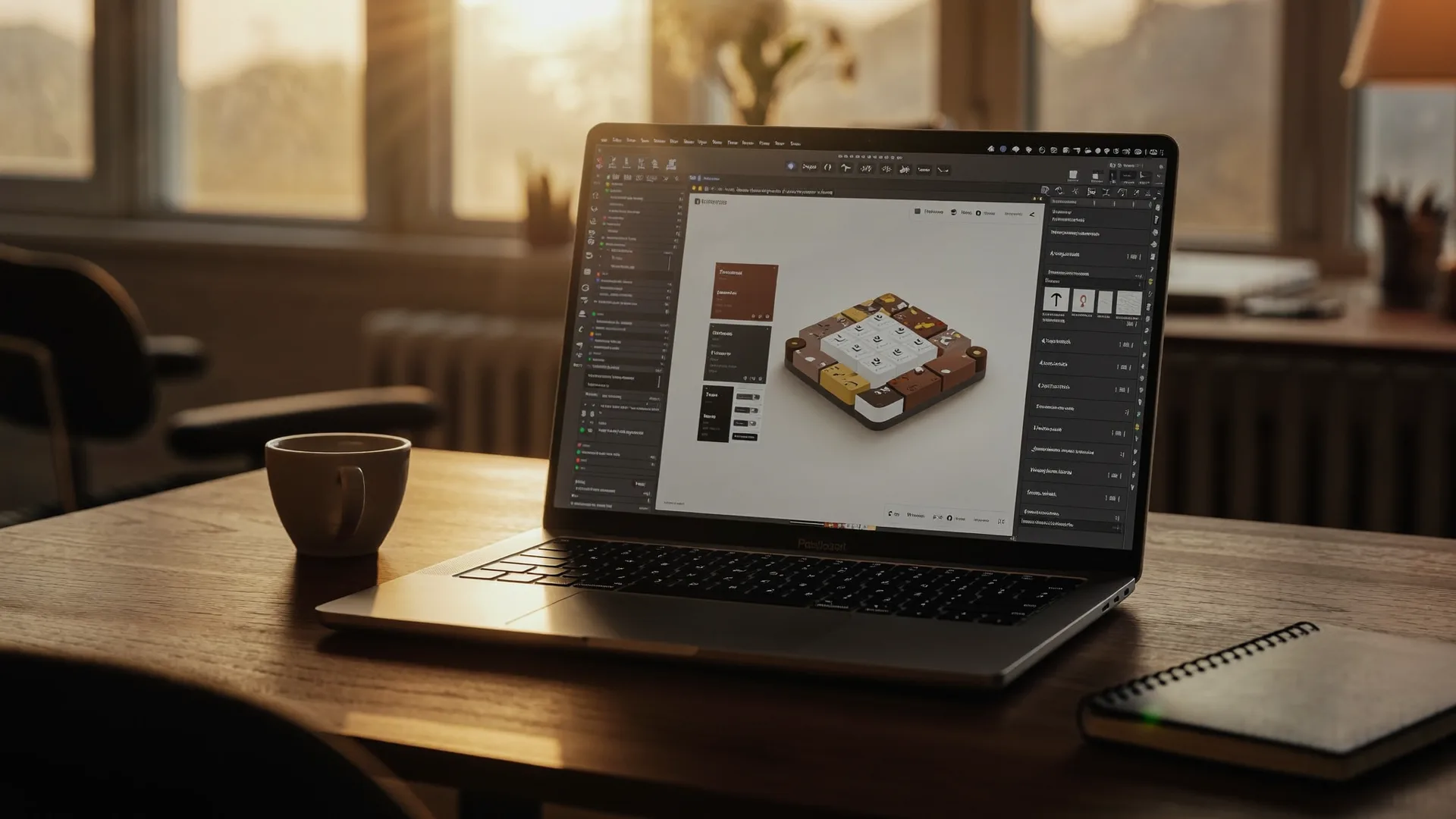
A MacBook shows Figma: a cleanly written sentence types itself into a text field while the WhispaWave bar with fn shortcut, DE language badge and live waveform floats below. Speaking becomes finished text.
- Spoken
„comment the button contrast is too low make the green one shade darker“
WhispaWaveButton contrast too low, please take the green one shade darker. - Spoken
„note the top and bottom spacing differ unify to twenty four“
WhispaWaveTop/bottom spacing uneven, unify to 24 px. - Spoken
„feedback i like it the hierarchy is clear just make the headline bigger“
WhispaWaveLike it, hierarchy is clear. Just make the headline bigger.
What you use WhispaWave for in Figma
01Comments & feedback
Leave precise design feedback by speaking, right on the frame.
02Notes & annotations
Label flows and components in words instead of fiddly typing.
03Specs for developers
Speak the handoff notes: readable and complete.
04Briefings on the canvas
Capture ideas and to-dos right next to the design.
What makes Figma better
- Review comments precise, not rushed
- Measurements and values recognized correctly
- Faster through long feedback rounds
How it works
- 1
Cursor in the field
Click into the input field in Figma.
- 2
Hold Fn
Hold it and just start speaking.
- 3
Polished text
It appears cleanly written right in Figma.



Ready for Figma without typing?
14-day free trial. No credit card, no subscription.