

WhispaWave for Slack
Typing breaks your flow. Just tell your team what’s up. WhispaWave turns it into clean Slack messages, in the right tone for team chat.
How it sounds in Slack
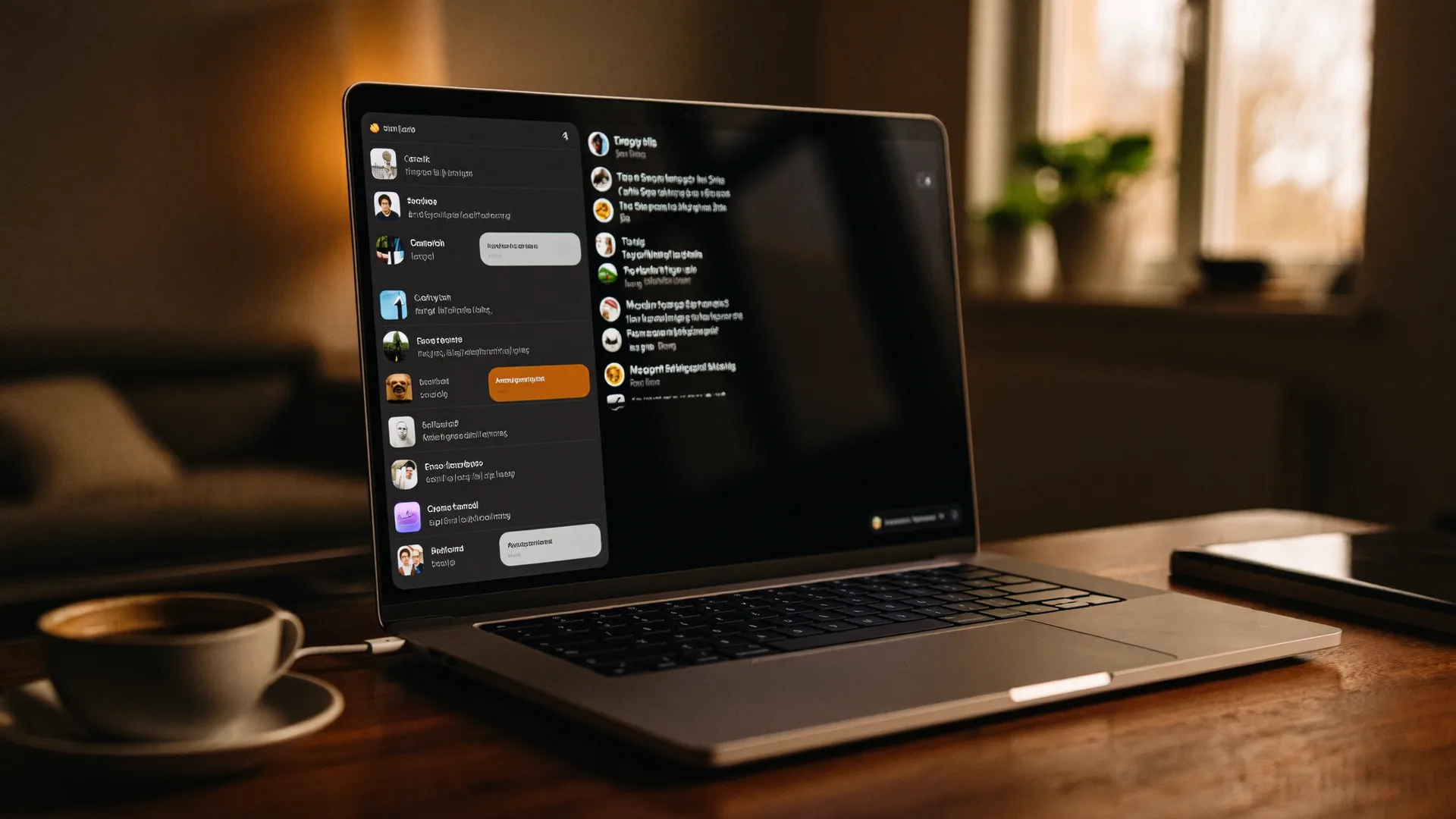
A MacBook shows Slack: a cleanly written sentence types itself into a text field while the WhispaWave bar with fn shortcut, DE language badge and live waveform floats below. Speaking becomes finished text.

- Spoken
„uh quick heads up todays stand up is cancelled because of the outage micha can you set up a new time please“
WhispaWaveQuick heads-up: today’s stand-up is cancelled because of the outage. @Micha, can you set up a new time, please? - Spoken
„yes works send me the link and i’ll take a look after the call“
WhispaWaveYes, works! Send me the link and I’ll take a look after the call. - Spoken
„uh could someone review yesterday’s deployment not urgent“
WhispaWaveCould someone review yesterday’s deployment? Not urgent.
What you use WhispaWave for in Slack
01Team updates & standups
Say what’s up in one sentence. WhispaWave turns it into a clean, formatted message instead of you stopping to type mid-flow.
02Replies in threads
Reply as fast as you speak: even longer, considered answers, because typing no longer keeps them artificially short.
03Channel posts & announcements
Dictate longer announcements to #general or your project channel in seconds: structured and readable, not dashed off.
04Async updates for distributed teams
Speak the full update instead of writing only the bare minimum out of typing fatigue. The context stays intact.
What makes Slack better
- Reply to threads without switching tabs
- Names from your team list come out right: “micha” becomes @Micha
- Long updates in seconds, not minutes
How it works
- 1
Cursor in the field
Click into the input field in Slack.
- 2
Hold Fn
Hold it and just start speaking.
- 3
Polished text
It appears cleanly written right in Slack.

Ready for Slack without typing?
14-day free trial. No credit card, no subscription.