
WhispaWave for Gmail
Speak the email the way you think it. WhispaWave shapes it: salutation, paragraphs, a polite sign-off. Just say whether it should be formal or casual.
How it sounds in Gmail
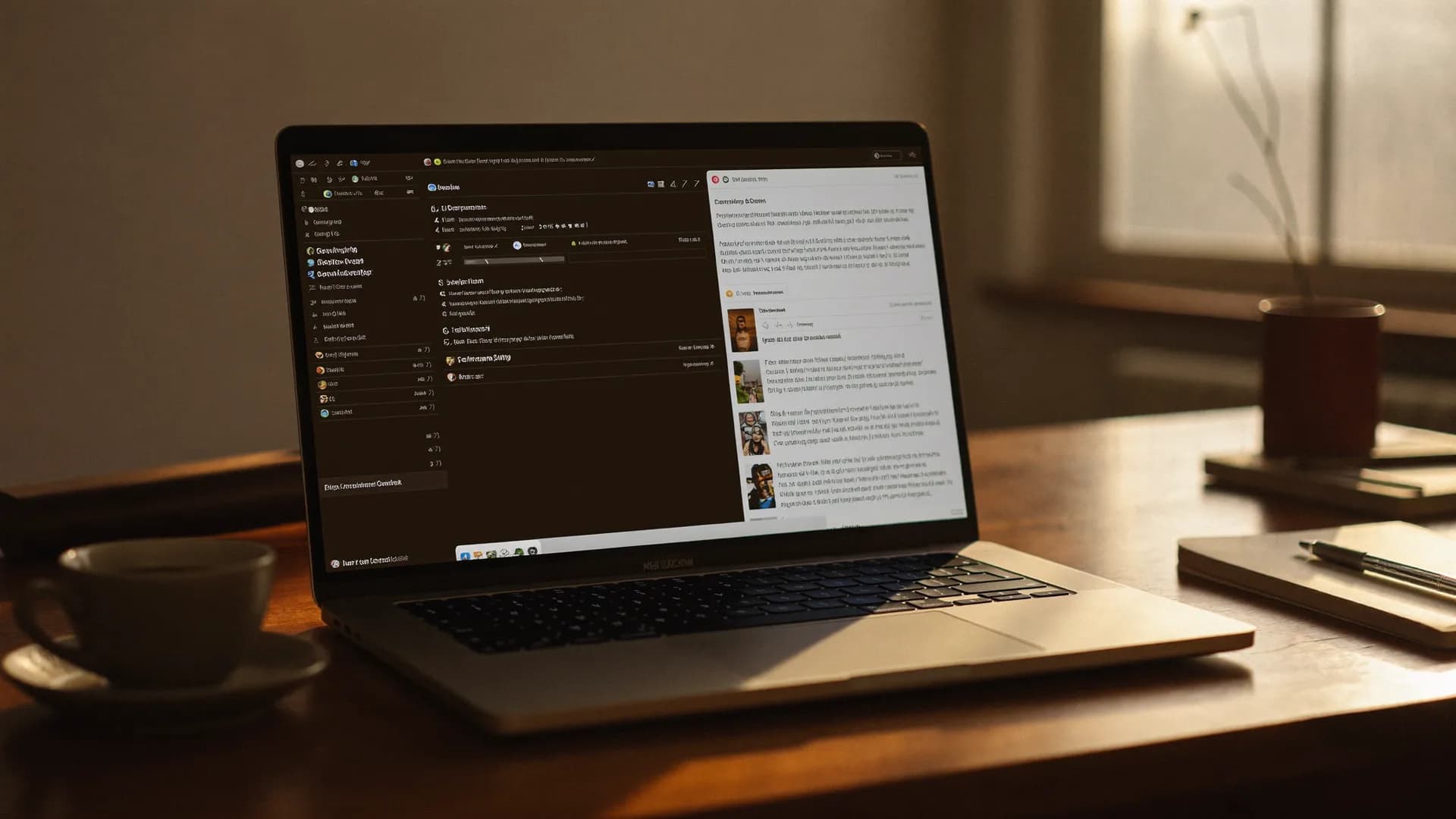
A MacBook shows Gmail: a cleanly written sentence types itself into a text field while the WhispaWave bar with fn shortcut, DE language badge and live waveform floats below. Speaking becomes finished text.
- Spoken
„dear ms berg uh the invoice is out would payment by friday be possible kind regards“
WhispaWaveDear Ms. Berg,the invoice is out. Would payment by Friday be possible?Kind regards - Spoken
„hi tom thanks for the feedback i’ll add it tomorrow cheers“
WhispaWaveHi Tom,thanks for the feedback, I’ll add it tomorrow!Cheers - Spoken
„hi all uh the meeting moves to two pm same room best“
WhispaWaveHi all,the meeting moves to 2:00 PM. Same room.Best
What you use WhispaWave for in Gmail
01Quick replies
Reply to emails as fast as you read them: spoken, cleanly formatted, with the right salutation and sign-off.
02Longer emails & explanations
Speak complex points in one go instead of laboriously typing them. WhispaWave structures them readably.
03Subject lines & bullets
Dictate subject lines and bullet lists directly; formatting lands automatically in the right spot.
04On the go on your laptop
Even between two meetings you write full emails instead of curt one-liners.
What makes Gmail better
- Salutation and sign-off come automatically
- Formal or casual tone on command
- Three keywords become a finished email
How it works
- 1
Cursor in the field
Click into the input field in Gmail.
- 2
Hold Fn
Hold it and just start speaking.
- 3
Polished text
It appears cleanly written right in Gmail.



Ready for Gmail without typing?
14-day free trial. No credit card, no subscription.