
WhispaWave for WhatsApp
Not everyone wants to listen to voice notes. Dictate your WhatsApp message on the Mac as clean text: fast as a voice note, readable as if typed.
How it sounds in WhatsApp
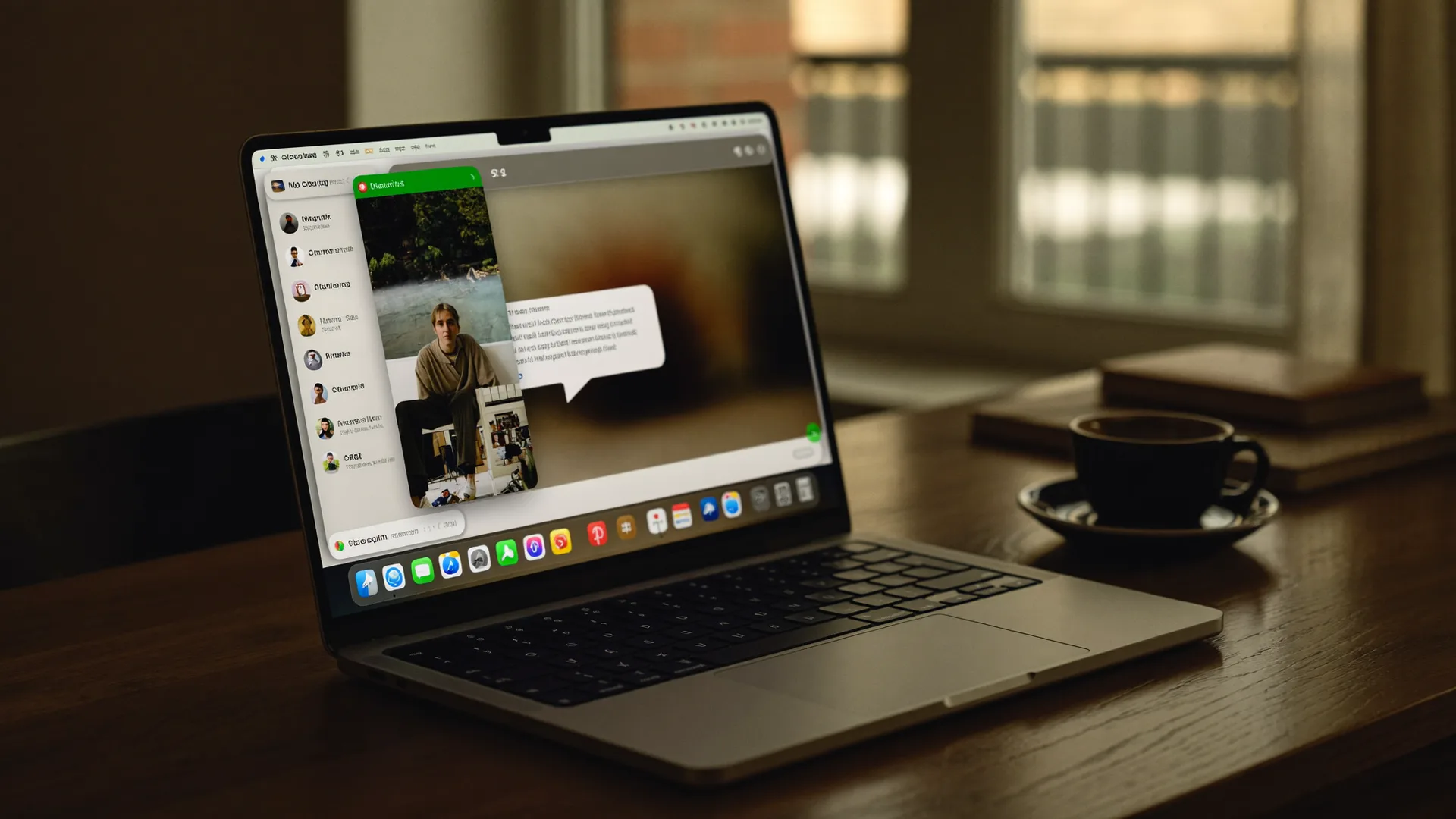
A MacBook shows WhatsApp: a cleanly written sentence types itself into a text field while the WhispaWave bar with fn shortcut, DE language badge and live waveform floats below. Speaking becomes finished text.

- Spoken
„arrived safe uh i’ll call tomorrow when i know more“
WhispaWaveArrived safe! I’ll call tomorrow when I know more. - Spoken
„i’ll bring the salad uhm who’s doing dessert“
WhispaWaveI’ll bring the salad. Who’s doing dessert? - Spoken
„uh tomorrow morning works i’m home from eight“
WhispaWaveTomorrow morning works, I’m home from 8.
What you use WhispaWave for in WhatsApp
01Replies on the go
Don’t type in the tiny field. Speak, and the message appears clean, with punctuation.
02Spoken thoughts as text
Instead of a voice memo: speak, and the other side gets readable text.
03Business over WhatsApp
Even work chats stay well-worded, not dashed off.
04Keep groups in the loop
Keep groups up to date without long typing on phone or laptop.
What makes WhatsApp better
- Readable text instead of a voice note
- Sounds like you: casual, but typo-free
- Via the WhatsApp desktop app
How it works
- 1
Cursor in the field
Click into the input field in WhatsApp.
- 2
Hold Fn
Hold it and just start speaking.
- 3
Polished text
It appears cleanly written right in WhatsApp.


Ready for WhatsApp without typing?
14-day free trial. No credit card, no subscription.