
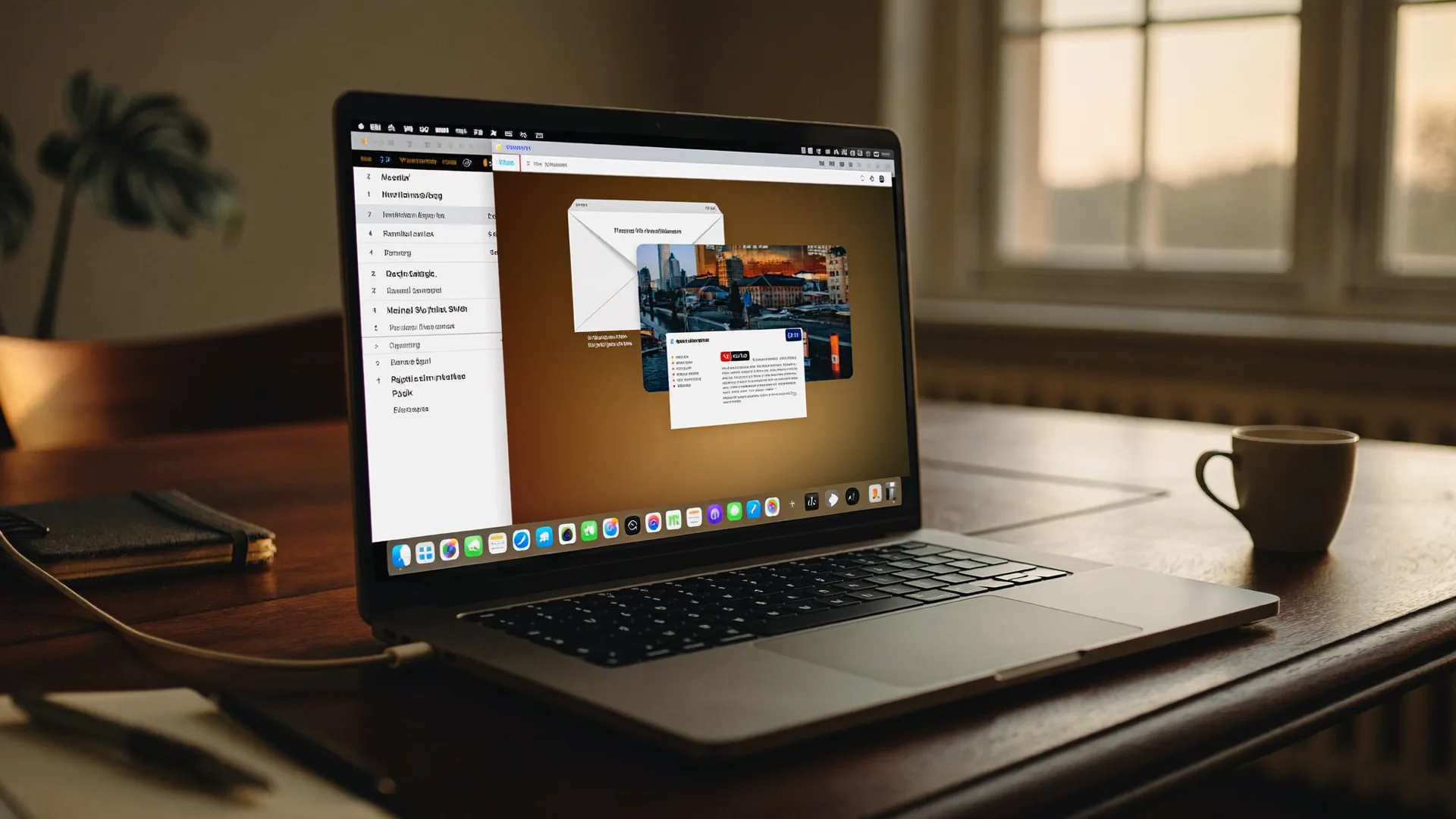

WhispaWave for Apple Mail
WhispaWave runs system-wide on the Mac, including right inside Apple Mail. Cursor in the field, hit the shortcut, speak. No plugin, no extension.
How it sounds in Apple Mail
A MacBook shows Apple Mail: a cleanly written sentence types itself into a text field while the WhispaWave bar with fn shortcut, DE language badge and live waveform floats below. Speaking becomes finished text.
- Spoken
„hello mr sommer the heating works again uh thank you for the quick help best regards“
WhispaWaveHello Mr. Sommer,the heating works again, thank you for the quick help!Best regards - Spoken
„hello unfortunately my son is sick tomorrow and cannot attend class uh please excuse his absence kind regards“
WhispaWaveHello,unfortunately my son is sick tomorrow and cannot attend class. Please excuse his absence.Kind regards - Spoken
„yes uh the appointment works see you then“
WhispaWaveYes, the appointment works. See you then!
What you use WhispaWave for in Apple Mail
01Mail straight from your flow
Don’t type, speak: the reply appears cleanly worded in the Apple Mail window.
02Personal & work mail
From a quick hello to a long explanation: both spoken, each in the right tone.
03Forward with context
Instead of just “FYI”, speak two sentences of context in seconds.
04On the go on your MacBook
Full, polite emails on the fly instead of hurried one-liners.
What makes Apple Mail better
- Right inside Apple Mail, no plugin needed
- Works in practically any text field on the Mac
- Dictation quality well above the built-in macOS one
How it works
- 1
Cursor in the field
Click into the input field in Apple Mail.
- 2
Hold Fn
Hold it and just start speaking.
- 3
Polished text
It appears cleanly written right in Apple Mail.


Ready for Apple Mail without typing?
14-day free trial. No credit card, no subscription.