

WhispaWave for Word
Longer texts are faster spoken than typed. Dictate business letters, concepts or reports straight into Word, with paragraphs and a clean formal tone.
How it sounds in Word
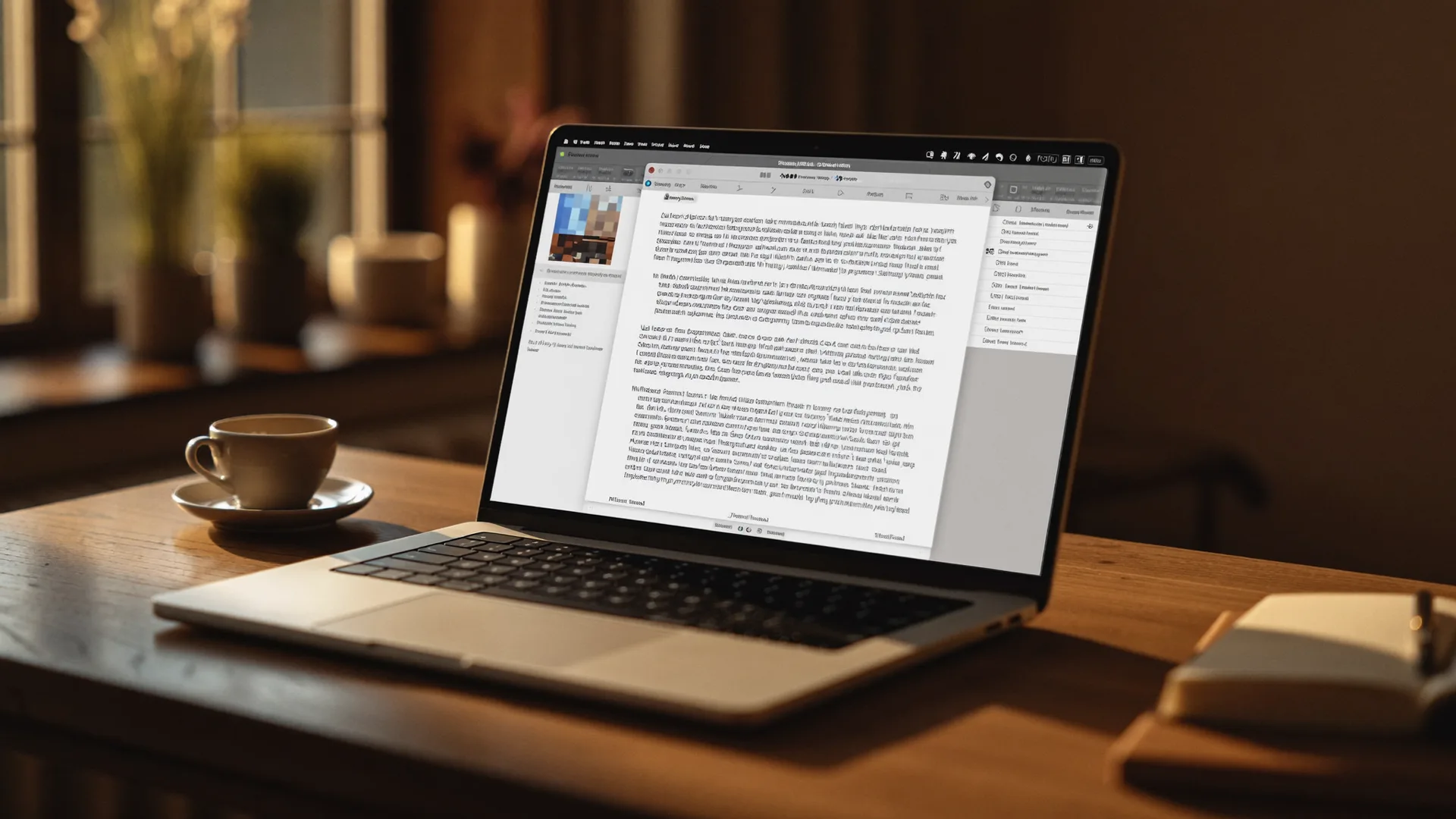
A MacBook shows Word: a cleanly written sentence types itself into a text field while the WhispaWave bar with fn shortcut, DE language badge and live waveform floats below. Speaking becomes finished text.

- Spoken
„paragraph for the quote we are pleased about your interest and are glad to offer you the following“
WhispaWaveWe are pleased about your interest and are glad to present you with the following offer. - Spoken
„heading summary then new paragraph the project was completed within budget“
WhispaWaveSummaryThe project was completed within budget. - Spoken
„closing sentence for the letter should you have questions i am always happy to help“
WhispaWaveShould you have any questions, I am always happy to help.
What you use WhispaWave for in Word
01Dictate first drafts
Speak the rough version of reports, letters or concepts. WhispaWave writes it cleanly into the document.
02Long text without typing breaks
Keep your train of thought instead of fighting sentence structure; the doc fills as you speak.
03Formatted sections
Headings, bullet lists and paragraphs come out spoken in the right spot.
04Revise & expand
Speak additions and whole paragraphs instead of typing them.
What makes Word better
- Long documents faster than typing
- Headings and paragraphs on command
- Business tone and formal address nailed
How it works
- 1
Cursor in the field
Click into the input field in Word.
- 2
Hold Fn
Hold it and just start speaking.
- 3
Polished text
It appears cleanly written right in Word.


Ready for Word without typing?
14-day free trial. No credit card, no subscription.