

WhispaWave for Outlook
German business correspondence is work: the formal address, the politeness, the right phrasing. Speak the content, WhispaWave delivers the correct tone.
How it sounds in Outlook
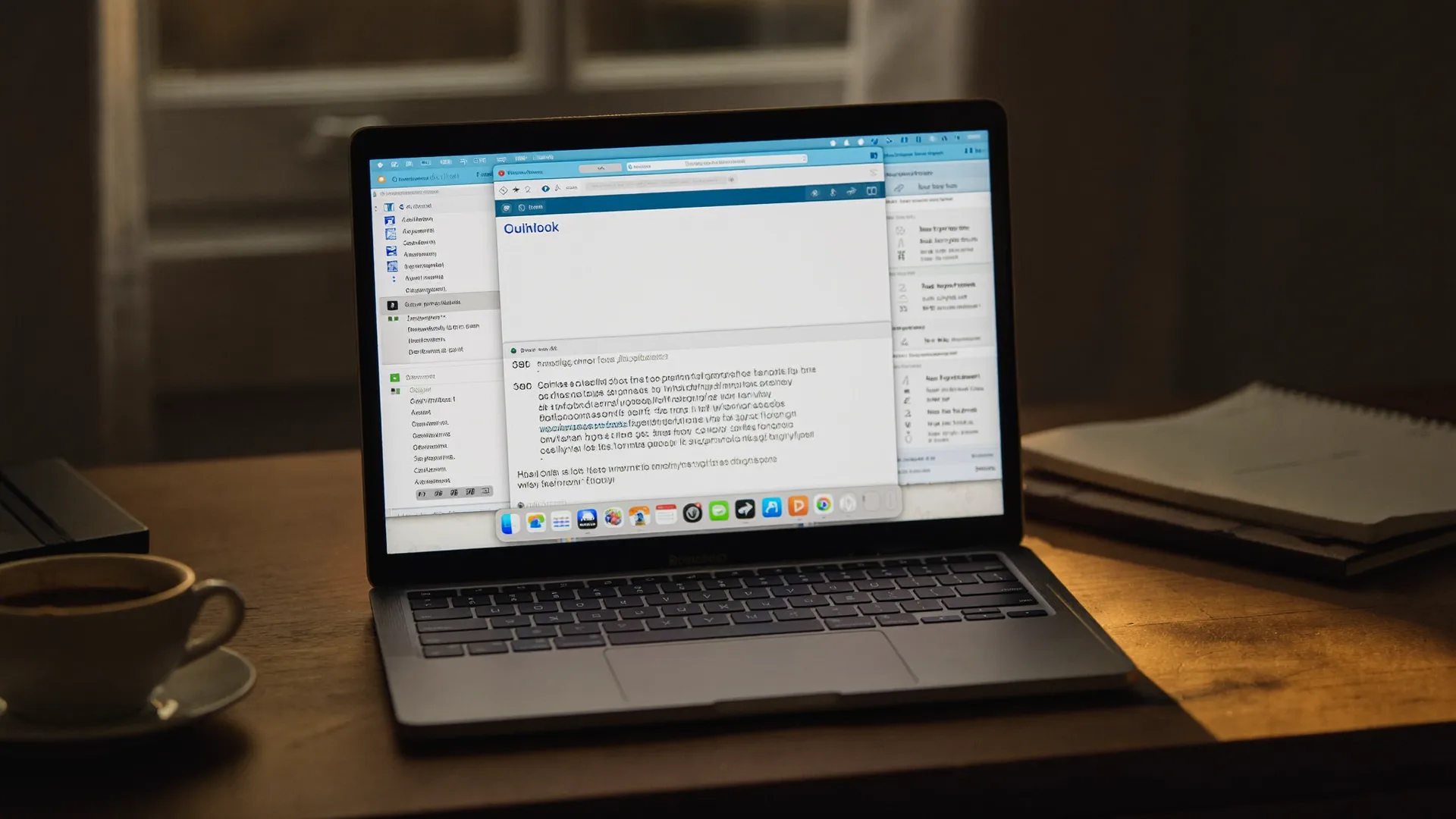
A MacBook shows Outlook: a cleanly written sentence types itself into a text field while the WhispaWave bar with fn shortcut, DE language badge and live waveform floats below. Speaking becomes finished text.
- Spoken
„dear dr wagner thank you for the conversation uh please find our quote attached i will be in touch next week kind regards“
WhispaWaveDear Dr. Wagner,thank you for the conversation. Please find our quote attached. I will be in touch next week.Kind regards - Spoken
„dear sir or madam unfortunately i cannot make the appointment on tuesday uh would thursday work for you instead kind regards“
WhispaWaveDear Sir or Madam,unfortunately I cannot make the appointment on Tuesday. Would Thursday work for you instead?Kind regards - Spoken
„dear ms klein i wanted to politely follow up on whether you have had a chance to review our quote uh i’m happy to answer any questions kind regards“
WhispaWaveDear Ms. Klein,I wanted to politely follow up on whether you have had a chance to review our quote. I’m happy to answer any questions.Kind regards
What you use WhispaWave for in Outlook
01Formal business correspondence
Formal emails to clients and colleagues come out spoken: correct salutation, polite tone, zero typos.
02Quick coordination
Short replies and meeting confirmations dictated in seconds, without leaving your inbox.
03Longer briefings by email
Speak detailed instructions and summaries in full instead of trimming them.
04Calendar & task notes
Capture notes on meetings and to-dos while they’re still fresh.
What makes Outlook better
- Formal opening and closing always correct
- Polite follow-ups without laboring over wording
- Native add-in integration, no copy-paste
How it works
- 1
Cursor in the field
Click into the input field in Outlook.
- 2
Hold Fn
Hold it and just start speaking.
- 3
Polished text
It appears cleanly written right in Outlook.


Ready for Outlook without typing?
14-day free trial. No credit card, no subscription.