

WhispaWave for DATEV
A lot of text repeats in DATEV: posting texts, notes, client comments. Speak them instead of typing; WhispaWave reliably recognizes the typical terms.
How it sounds in DATEV
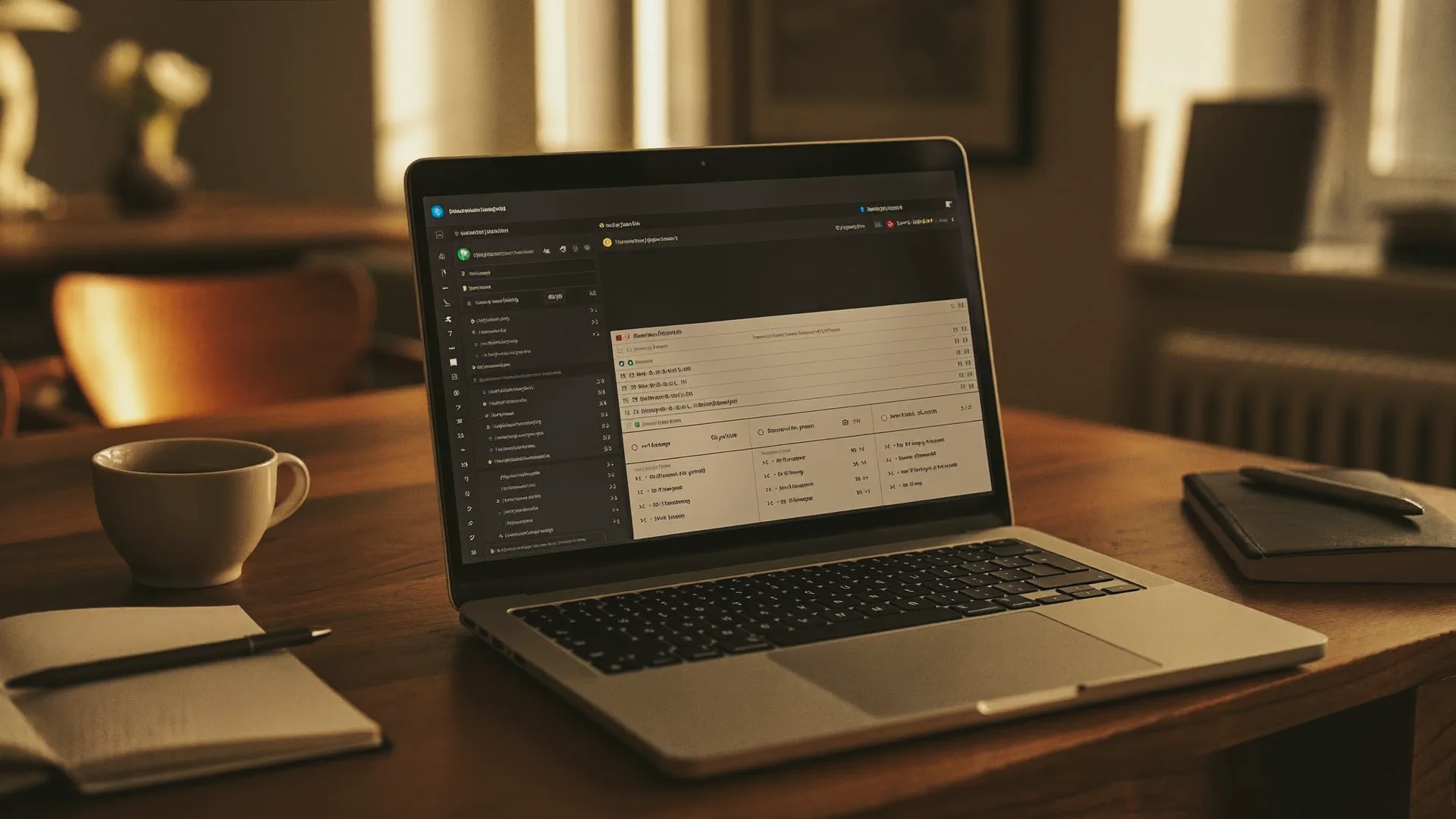
A MacBook shows DATEV: a cleanly written sentence types itself into a text field while the WhispaWave bar with fn shortcut, DE language badge and live waveform floats below. Speaking becomes finished text.
- Spoken
„posting text incoming invoice office supplies against vendor müller“
WhispaWaveIncoming invoice office supplies · vendor: Müller - Spoken
„note for the client documents for the vat advance return still missing follow up“
WhispaWaveDocuments for the VAT advance return still missing, follow up. - Spoken
„comment receipt posted to account fourteen hundred open items cleared“
WhispaWaveReceipt posted to account 1400, open items cleared.
What you use WhispaWave for in DATEV
01Posting texts & bookings
Dictate recurring posting texts. WhispaWave knows German tax terms.
02Client notes
Capture call and file notes by speaking: clean and ready to file.
03Comments & remarks
Add notes to cases in seconds, without typing.
04Deadlines & to-dos
Speak open tasks directly instead of having to memorize them.
What makes DATEV better
- Recurring posting texts in seconds
- Account numbers and standard terms recognized
- Client notes without a typing pause
How it works
- 1
Cursor in the field
Click into the input field in DATEV.
- 2
Hold Fn
Hold it and just start speaking.
- 3
Polished text
It appears cleanly written right in DATEV.


Ready for DATEV without typing?
14-day free trial. No credit card, no subscription.