
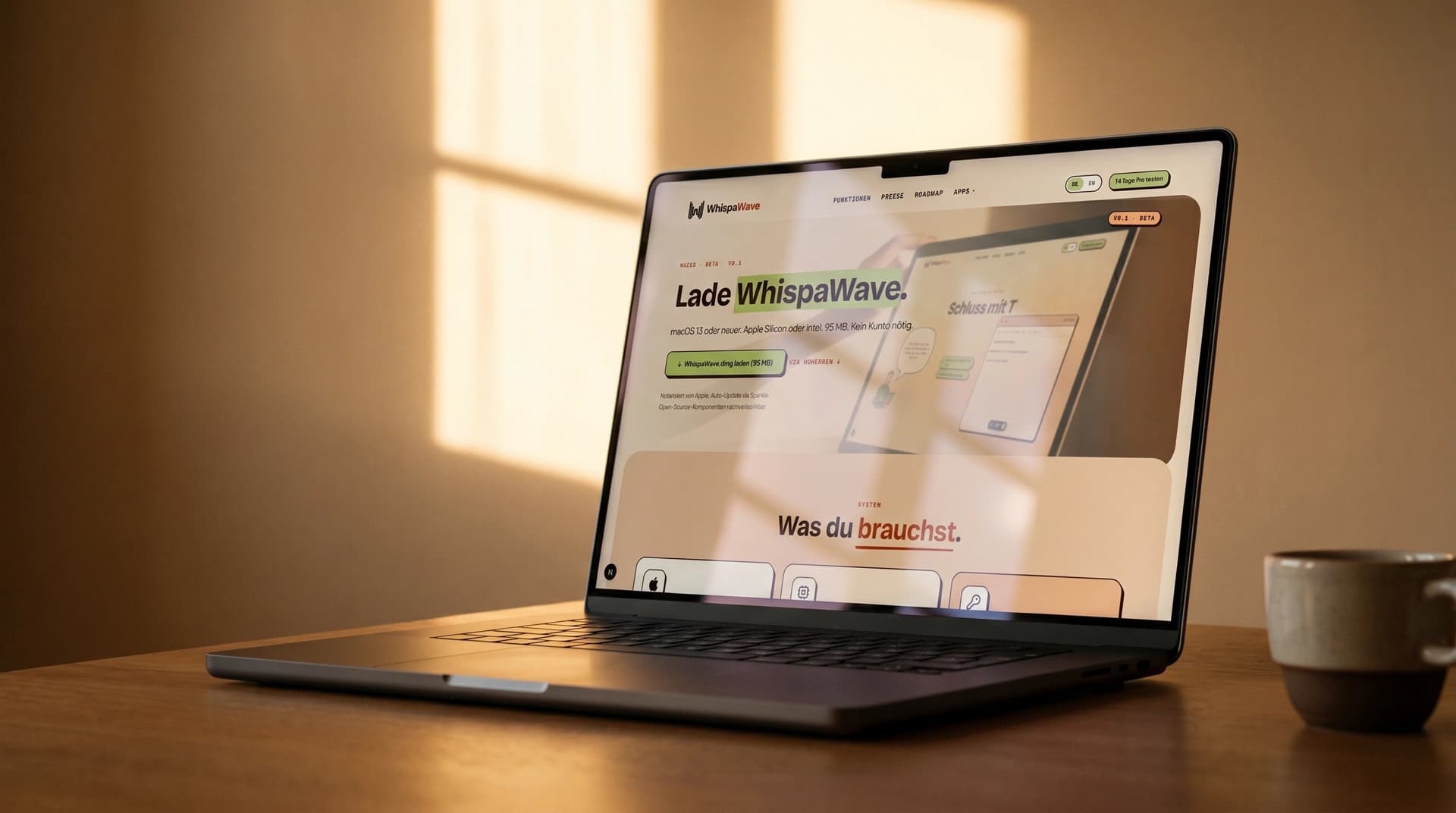
WhispaWave runs as a lightweight menu-bar app on the Mac. Installation takes under two minutes. After that you dictate in any app.
- 1Download the app from the download page and open the .dmg file.
- 2Drag WhispaWave into your Applications folder and launch it.
- 3Grant Microphone and Accessibility permissions (needed to insert text into other apps).
- 4Sign in or start the free trial.
System requirements
- macOS 15 (Sequoia) or newer
- Apple Silicon or Intel Mac
- A microphone (built-in or external)